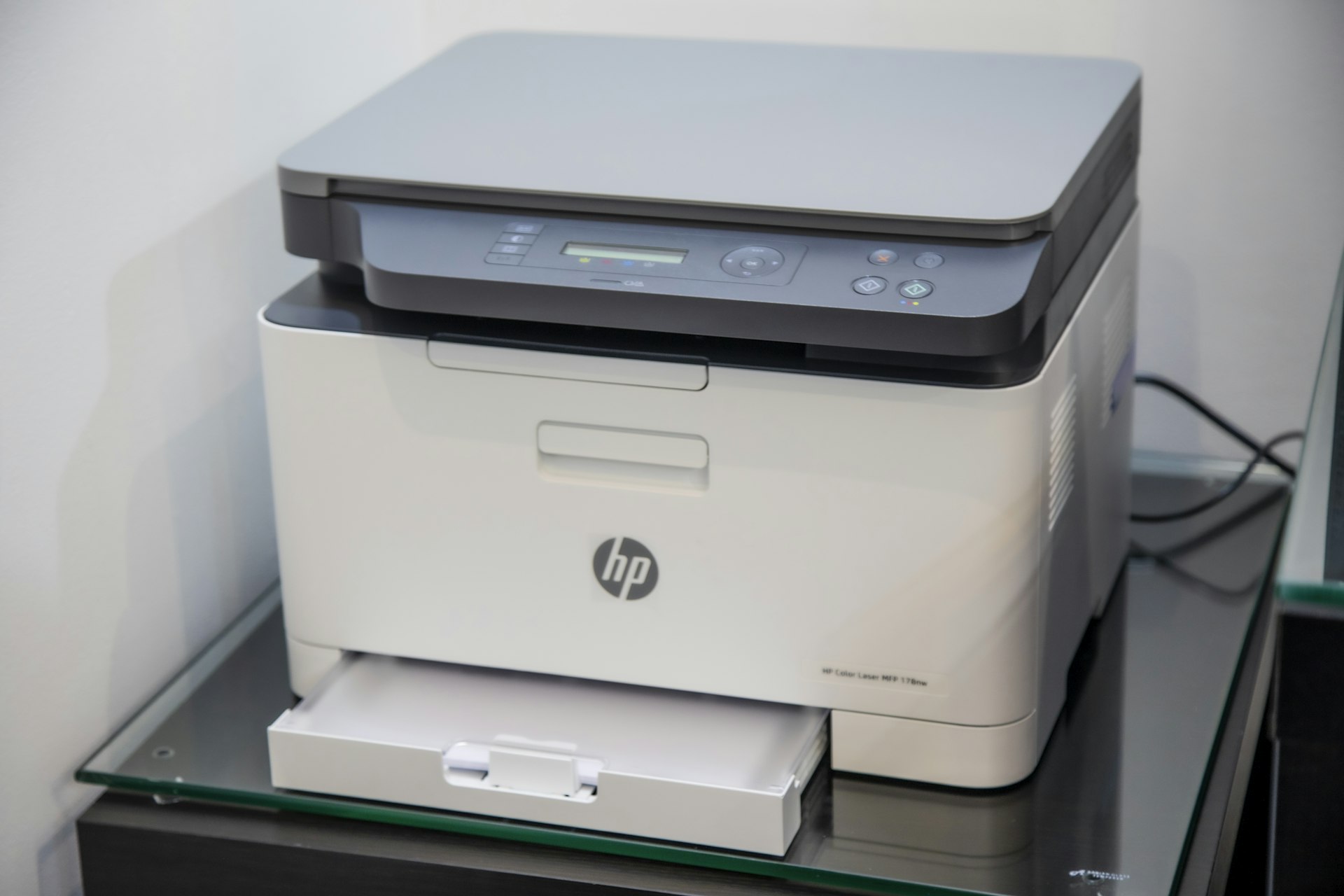
Sublimation printing has exploded in popularity, becoming the go-to method for creating vibrant, permanent designs on everything from t-shirts and mugs to phone cases and home decor. Whether you're starting a side hustle on Etsy, launching a custom merchandise business, or simply want to create personalized gifts, choosing the right sublimation printer in 2026 is crucial to your success.
After researching over 15 sublimation printers against manufacturer specs and thousands of verified owner reviews, we've identified the best options for every budget and skill level. This comprehensive guide covers everything from dedicated sublimation printers like the Sawgrass SG500 to cost-effective converted EcoTank solutions, helping you make an informed decision for your creative journey.
1 What Is Sublimation Printing?
Sublimation printing is a heat transfer process where special dye-based inks are printed onto transfer paper, then applied to polyester fabrics or polymer-coated substrates using high heat and pressure. The magic happens when the ink transforms directly from a solid to a gas (skipping the liquid state), permanently bonding with the material at a molecular level.
Why Sublimation Stands Out:
- Permanent Results: Designs won't crack, peel, or wash off—ever
- Vibrant Colors: Produces photo-quality prints with unlimited color options
- Soft Feel: No texture on fabric—the design becomes part of the material
- Durability: Withstands hundreds of washes without fading
- Versatility: Works on mugs, shirts, phone cases, tumblers, and more
What Can You Sublimate Onto?
Sublimation works best on light-colored polyester fabrics (65% polyester minimum) and polymer-coated hard surfaces. Here's what you can create:
Textiles & Apparel
- • Polyester t-shirts & hoodies
- • Sports jerseys & activewear
- • Socks, leggings, swimwear
- • Polyester blend blankets
- • Pillow covers & cushions
Hard Goods
- • Ceramic mugs & tumblers
- • Phone cases & laptop skins
- • Mouse pads & coasters
- • Aluminum signs & plaques
- • Tile, glass, and acrylic
2 How to Choose the Right Sublimation Printer
Selecting the perfect sublimation printer depends on your experience level, budget, print volume, and the types of products you want to create. Here are the key factors to consider:
1. Dedicated vs. Converted Printers
Dedicated printers (Sawgrass, Epson F-series) come ready for sublimation out of the box with optimized inks and profiles. Converted printers (EcoTank models) require replacing standard inks with sublimation inks and setting up color profiles—more work but potentially lower costs.
Top 3 Picks for 2026
Tap any product to see current Amazon prices
Sawgrass Virtuoso SG500

Epson SureColor F170

Canon Pixma iX6820
As an Amazon Associate, we earn from qualifying purchases
2. Print Size Requirements
Standard desktop printers handle 8.5x11" or 8.5x14" prints—perfect for mugs, small tees, and accessories. For all-over shirt prints, large tumblers, or banners, you'll need wide-format capability (13x19" or larger).
3. Ink Costs & Volume
If you're printing 100+ items monthly, ink costs become your biggest expense. Tank-based systems and third-party inks can save 50-80% compared to proprietary cartridges. Calculate your expected volume before deciding.
4. Technical Support Needs
Sawgrass offers lifetime technical support with every printer—invaluable for beginners. With converted Epson printers, you're largely on your own for sublimation-specific issues since the conversion voids the warranty.
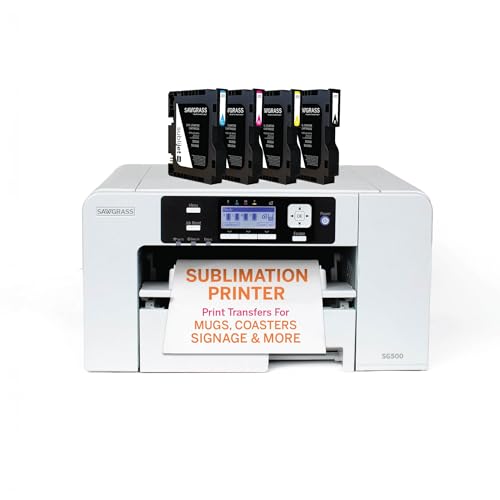
3 Sawgrass SG500 — Best Overall for Beginners

Sawgrass SG500
The Sawgrass SG500 is the industry's most popular entry-level sublimation printer for good reason. It's the only truly "plug and play" option that works perfectly right out of the box with zero technical setup required.
Pros
- ✓ True plug-and-play setup
- ✓ Excellent color accuracy out of box
- ✓ Lifetime technical support included
- ✓ Automatic maintenance cycles
- ✓ Compact desktop footprint
- ✓ CreativeStudio design software included
Cons
- ✗ Higher upfront cost (~$599)
- ✗ Proprietary inks are expensive
- ✗ Limited to 8.5x14" max print size
- ✗ Starter inks don't last long
What sets the Sawgrass SG500 apart is its complete ecosystem designed specifically for sublimation. Unlike converted printers that require technical know-how, the SG500 arrives with pre-installed ICC color profiles, SubliJet UHD inks, and the CreativeStudio design software—everything calibrated to work together perfectly.
The printer performs automatic maintenance cycles to prevent clogging, a common issue with sublimation printers that sit idle. Combined with Sawgrass's legendary technical support (they'll actually help you troubleshoot prints over the phone), it's the safest choice for anyone new to sublimation.
Pro Tip: The starter inks included with the SG500 are partially used during the initial setup process to prime the lines. Plan to order replacement inks ($80-100 per set) before you run out—you'll typically get 200+ full-coverage prints from the starters.
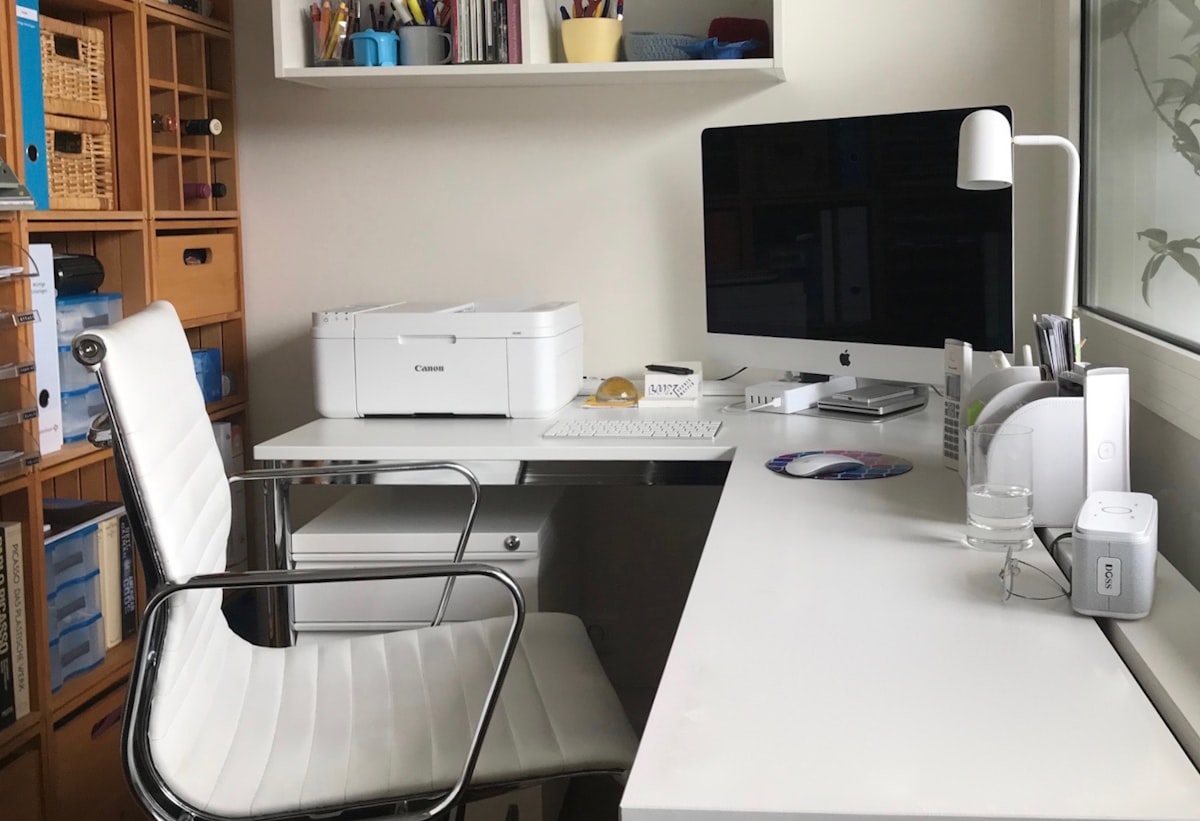
4 Epson SureColor F170 — Best Professional Quality

Epson SureColor F170
Epson's dedicated desktop sublimation printer brings professional-grade PrecisionCore technology to home crafters. Out-of-the-box ready with stunning color accuracy and Epson's refillable tank system.
Pros
- ✓ Superior PrecisionCore print quality
- ✓ Dedicated sublimation—no conversion needed
- ✓ Lower ink costs than Sawgrass
- ✓ Epson warranty coverage
- ✓ Consistent color reproduction
- ✓ 150-sheet auto-feed tray
Cons
- ✗ No mobile printing support
- ✗ Limited to 8.5x14" prints
- ✗ Less hand-holding than Sawgrass
- ✗ No free design software included
The Epson SureColor F170 represents the sweet spot between Sawgrass's beginner-friendly approach and converted EcoTank DIY solutions. It's a purpose-built sublimation printer that delivers exceptional print quality at a lower price point than Sawgrass, with the added benefit of Epson's refillable tank system reducing ongoing ink costs.
Epson's PrecisionCore printhead technology produces incredibly sharp details and smooth color gradients that rival professional print shops. The 150-sheet paper tray means less frequent reloading during batch jobs, and the compact design fits easily on any desk or crafting table.
5 Epson EcoTank ET-15000 — Best Value (Converted)

Epson EcoTank ET-15000
The ultimate choice for high-volume sublimation printing. When converted with third-party sublimation inks, the ET-15000 offers unbeatable per-print costs and wide-format capability up to 13x19".
Pros
- ✓ Lowest ink costs (third-party inks)
- ✓ Large 13x19" print capability
- ✓ Built-in scanner and copier
- ✓ Huge ink tank capacity
- ✓ Ethernet connectivity
- ✓ Great for high-volume printing
Cons
- ✗ Requires DIY conversion
- ✗ Voids manufacturer warranty
- ✗ ICC profile setup needed
- ✗ No sublimation tech support
- ✗ Initial flushing wastes ink
The Epson EcoTank ET-15000 is the printer of choice for cost-conscious crafters who print in high volumes. While it requires conversion from standard inks to sublimation inks (which voids the warranty), the savings are dramatic—third-party sublimation inks cost around $0.20 per milliliter compared to $0.50+ for proprietary options.
Conversion Requirements:
- • Flush existing pigment inks completely (use cleaning solution)
- • Purchase sublimation ink set (~$60-80 for 4 colors)
- • Download and install ICC color profiles for your ink brand
- • Calibrate colors using test prints
Estimated conversion time: 2-3 hours for first-timers
The ET-15000's standout feature is its 13x19" print capability through the rear-feed tray—essential for all-over shirt prints, large tumblers, and poster-sized designs. If you're running a small business and printing 50+ items per week, the savings on ink alone will pay for the printer within months.
6 Sawgrass SG1000 — Best Wide Format
Sawgrass SG1000
When your business grows beyond 8.5x14" limitations, the SG1000 delivers. Supporting prints up to 11x17" standard (13x19" with bypass tray), it's the natural upgrade path for serious Sawgrass users who need larger format capability without sacrificing the plug-and-play experience.
7 Epson SureColor F570 Pro — Professional Wide Format
Epson SureColor F570 Pro
The F570 Pro is Epson's answer to professional wide-format sublimation needs. With a 24" print width and roll-fed capability, it's designed for businesses producing large banners, flags, all-over garment prints, and signage.
Best for: Established sublimation businesses, print shops, promotional product companies, and anyone needing consistent high-volume wide-format output.
Check Price →8 Budget-Friendly Options Under $350
If you're just starting out or testing the waters with sublimation, these budget-friendly converted printers offer a low-risk entry point:
Epson EcoTank ET-2850
Perfect entry-level printer for beginners on a budget. Limited to 8.5x11" prints but extremely affordable to operate once converted.
Epson EcoTank ET-4800
All-in-one with ADF scanner, perfect if you need office functionality alongside sublimation. Great for home business use.
Important Warning:
Budget converted printers require technical setup and void the manufacturer's warranty. They're best suited for users comfortable with DIY projects and troubleshooting. If you value your time and prefer guaranteed support, invest in a dedicated sublimation printer like the Sawgrass SG500 or Epson F170.
9 Sawgrass vs Epson: Complete Comparison
The Sawgrass vs Epson debate is the most common question in sublimation communities. Here's an objective breakdown to help you decide:
| Feature | Sawgrass | Epson Dedicated | Epson Converted |
|---|---|---|---|
| Setup Difficulty | Easy (Plug & Play) | Easy | Moderate-Hard |
| Ink Cost per Print | $0.50-1.00+ | $0.30-0.50 | $0.10-0.20 |
| Tech Support | Lifetime Included | Standard Epson | None (DIY) |
| Warranty | 2 Years | 1-2 Years | Voided |
| Print Quality | Excellent | Excellent | Good-Excellent* |
| Best For | Beginners, Businesses | Intermediate Users | High Volume, DIYers |
*Print quality on converted printers depends heavily on ICC profile calibration and ink quality
Choose Sawgrass If:
- ✓ You're new to sublimation
- ✓ You value your time over savings
- ✓ You want guaranteed support
- ✓ You're running a business
- ✓ You print moderate volumes
Choose Epson If:
- ✓ You're comfortable with DIY
- ✓ You print high volumes (50+/week)
- ✓ You need wide format (13x19"+)
- ✓ You want lowest running costs
- ✓ You can troubleshoot independently
10 Complete Sublimation Setup Checklist
A sublimation printer is just one piece of the puzzle. Here's everything you need to start creating:
🖨️ Essential Equipment
- ✓ Sublimation Printer - Your print engine
- ✓ Heat Press - Transfers ink to substrate ($150-500)
- ✓ Sublimation Paper - Special coated transfer paper
- ✓ Sublimation Ink - Dye-based ink for the process
- ✓ Blanks - Items to sublimate (mugs, shirts, etc.)
🛠️ Helpful Accessories
- + Heat-Resistant Tape - Secures paper to blanks
- + Butcher Paper - Protects heat press from ink
- + Heat-Resistant Gloves - Safety first!
- + Lint Roller - Removes debris from blanks
- + Design Software - Canva, Photoshop, or included software
Estimated Startup Costs:
11 Ink Cost Analysis: The Hidden Expense
The printer purchase is just the beginning—ink is your ongoing major expense. Here's how the numbers break down over 1,000 prints:
| Printer/Ink Type | Cost per Print | 1,000 Prints | 5,000 Prints |
|---|---|---|---|
| Sawgrass SubliJet UHD | $0.75 | $750 | $3,750 |
| Epson F170/F570 (Genuine) | $0.40 | $400 | $2,000 |
| EcoTank + Third-Party Ink | $0.15 | $150 | $750 |
As you can see, the ink cost difference becomes enormous at scale. A converted EcoTank with third-party inks saves $3,000 over 5,000 prints compared to Sawgrass. This is why high-volume printers gravitate toward converted solutions despite the extra setup work.
Money-Saving Tip:
Even Sawgrass users can reduce costs by purchasing third-party compatible inks. While Sawgrass doesn't officially support this, many users report good results with quality third-party options. Just be aware this may void your warranty and support.
12 Frequently Asked Questions
What is the best sublimation printer for beginners in 2026? ▼
Can I use any Epson printer for sublimation? ▼
How long do sublimation prints last? ▼
Do I need a special heat press for sublimation? ▼
Can I sublimate on cotton or dark fabrics? ▼
Why are my sublimation prints coming out faded? ▼
Ready to Start Your Sublimation Journey?
Choose the printer that matches your skill level and budget